
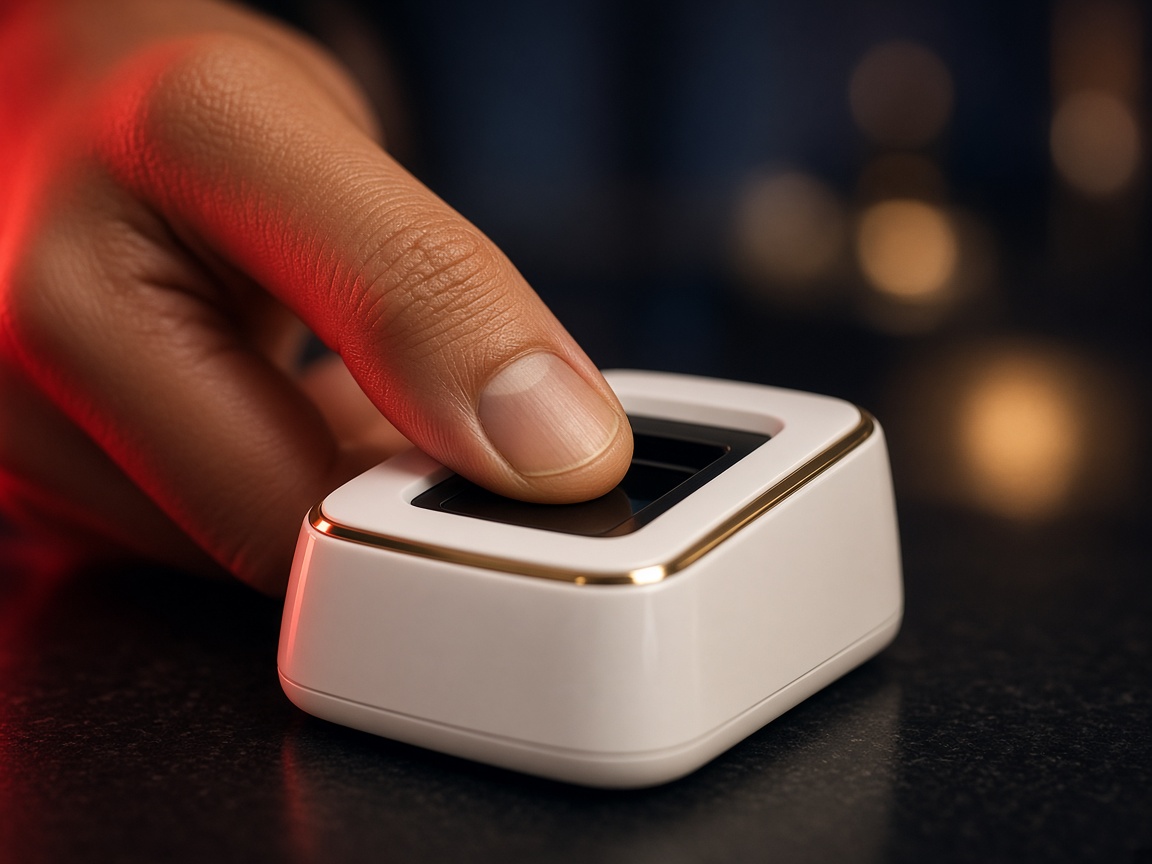
AEPS
Cash leaves the drawer only after the fingerprint clears.
AEPS, payout, recharge, BBPS, quick transfer, UTI and NSDL PAN, and payin — one desk for agents who move money every day.

Services
Built for retail counters that recharge phones, pay bills, move payouts and issue PAN cards without switching apps.
Cash withdrawal, balance enquiry and mini statement.
Send money to any bank with a visible status.
Prepaid, postpaid and DTH for walk-in customers.
Electricity, gas, FASTag and credit-card bills.
Quick account transfer before the customer leaves.
New PAN and correction through the UTI channel.
A second authorised route for PAN applications.
Collect payments into the same partner wallet.
Why partners stay
Short forms, visible charges, and a wallet that updates when a payout, recharge or bill payment finishes.
Create an account and finish KYC so the desk can go live.
Load payin, then serve AEPS, BBPS, recharge and transfers.
Track payout, PAN requests and commissions from one report.
No separate app for PAN, no second login for payout. Ecuzen Software keeps the eight services on one screen.
Core services
Desk access
PAN channels
Partner wallet
Who it is for
The same desk fits a neighbourhood shop, a distributor who funds retailers, and a counter that also issues PAN cards.
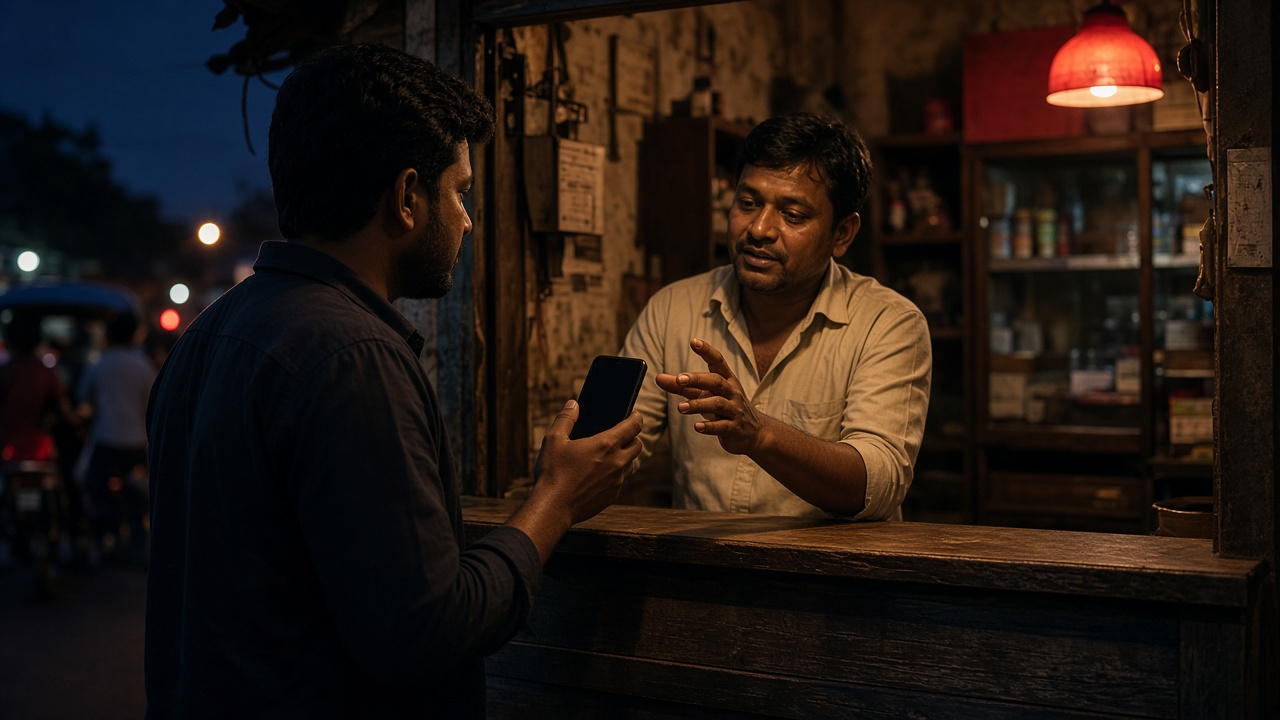
A customer walks in for a recharge, then asks to pay the electricity bill and withdraw cash. AEPS, BBPS and recharge stay on one screen, so the queue does not wait while you switch apps.
Payout, QTransfer and DMT cover the transfers that cannot wait until evening. Each one writes a reference, a charge and a status the partner can show before the customer leaves.
UTI and NSDL sit beside the payment services. A new PAN or a correction request is tracked from application to dispatch without a second portal.
On the desk
The public site explains the products. The login is where the work happens: wallet, services and a report that matches the transaction you just finished.
Payin credits it. Recharge, BBPS, payout and DMT spend it. The closing balance updates with the receipt.
Payin, AEPS, payout, QTransfer, DMT, recharge and BBPS. The menu matches the work, not a leftover catalogue.
A successful pay saves a transaction the report can open later: consumer number, operator, amount and status.
New partners request an account. The desk stays pending until an admin turns the services on for that user.
Income calculator
Change the daily transactions. Earning per transaction is the figure set for that service. Monthly is that day, times 30. This is an estimate, not the package commission.
Questions
Short answers for partners comparing this desk with a stack of separate apps.
No. UTI PAN, NSDL PAN, payout, recharge and BBPS share the partner login and the same wallet ledger.
Open BBPS, pick the biller, fetch the bill and confirm the amount. The receipt shows the consumer number and the operator name.
From the partner wallet. Load it with payin, then recharge, BBPS and transfers debit that balance and write a report row.
After the signup request is approved and KYC is in place. Until then the account stays pending and services stay off.
Open the partner login or talk to the team in Jaipur.